Customer Vehicle and Invoice Histories
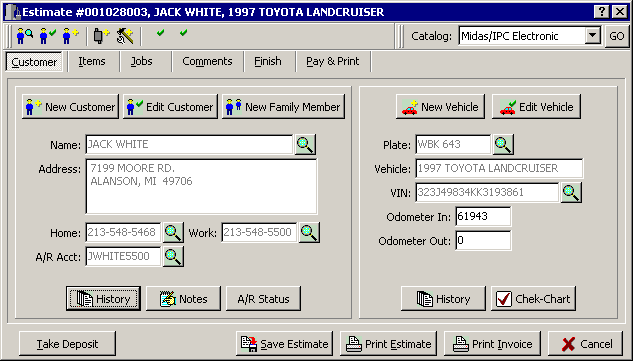
Once you have selected your customer the basic customer information screen will be displayed. To view a vehicle history of this customer just click on the History icon and a list of this customer's vehicles will be displayed.
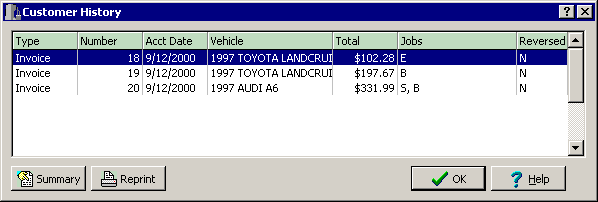
Once the vehicle list is displayed you can then examine the details of any particular Invoice or Estimate by highlighting it and then clicking the Summary icon.
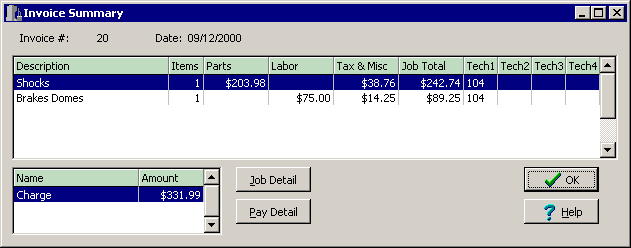
This screen will display the type of service performed on this invoice. To Drill Down even further, you can click on the Job Detail to break down the type of service to the actual components, or items, contained on the invoice.
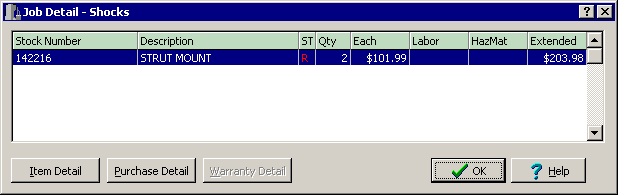
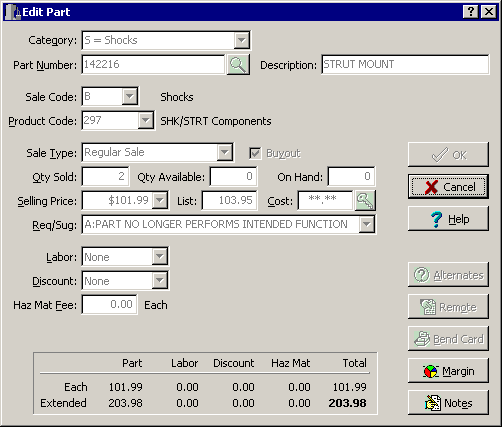
You can now view the discrete components for the Brake service on this particular invoice. Now with the individual parts and labor items displayed, you can then click on an item, and then the Item Detail to bring up information on that particular part.
Revised
May 25th, 2001
Copyright � 2001 by:
Janco International, Incorporated
All Rights Reserved Worldwide
StockTrac� EZCards�
and TechLink� and are registered
Trademarks of Janco International, Inc.
All Rights Reserved Worldwide