Configure Accounts Receivable "On the Fly"
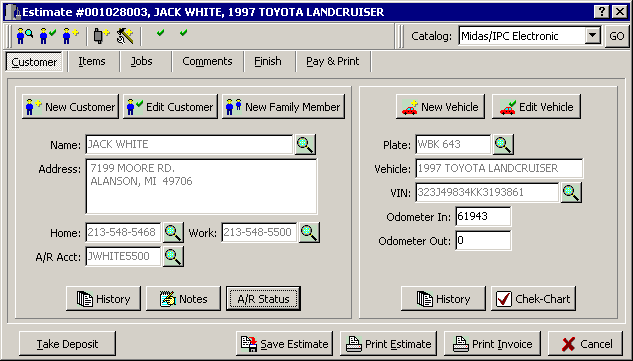
Once you have established a relationship with a customer (done previous work), you can create and/or configure their accounts receivable account (security permitting) directly in the point-of-sale screen by simply clicking on the |Edit Customer| button when their customer screen appears.
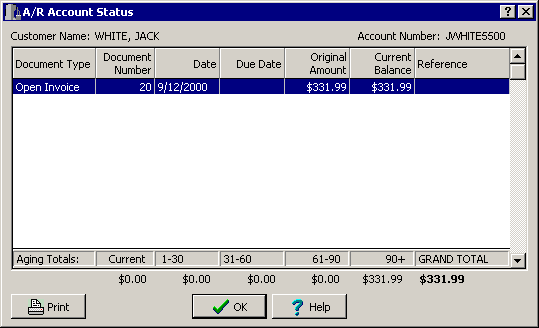
The Accounts Receivable module included in StockTrac's Enterprise version is integrated seamlessly in the point-of-sale screens. This integration provides you with the ability to check the status of any customer, including outstanding invoices, last payments, credit hold status, etc. during the preparation of Estimates and Invoices.
Revised May 25th, 2001
Copyright � 2001 by:
Janco International, Incorporated
All Rights Reserved Worldwide
StockTrac� EZCards�
and TechLink� and are registered Trademarks of Janco
International, Inc.
All Rights Reserved Worldwide